We may earn a commission if you make a purchase from the links on this page.
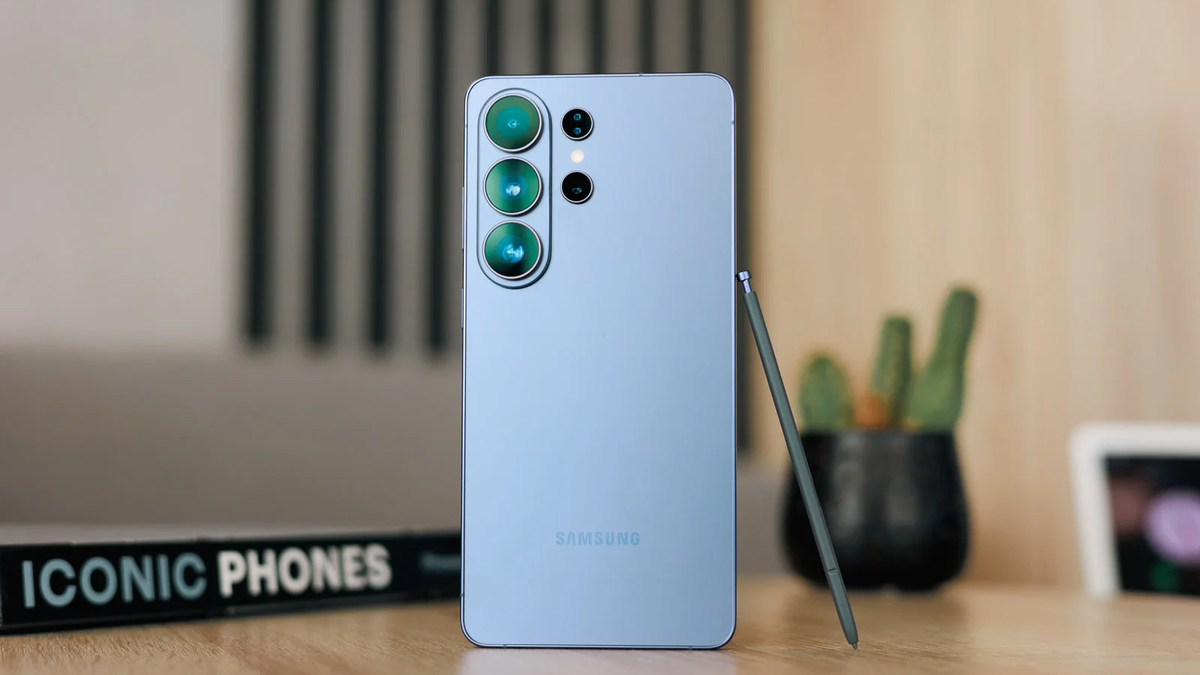
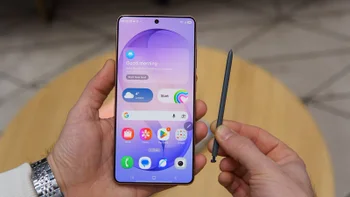
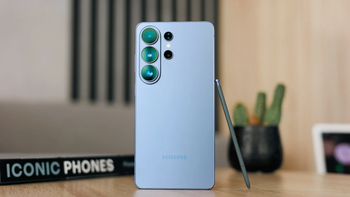
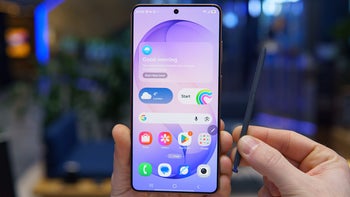
Older flagships will share this Apple-oriented feature with the S26 Ultra. | Image by PhoneArena
Just over two weeks after announcing a big improvement in how Galaxy S26 users can share files with their iPhone-using friends, Samsung might be bringing the update to older devices.
The Galaxy S26 Ultra is now available for up to $720 off
$579
99
$1299
99
$720 off (55%)
The Galaxy S26 Ultra has been announced, bringing a Privacy Screen feature, insanely fast processor, and multiple Galaxy AI enhancements. Right now, you can save up to $720 at the Samsung Store with eligible trade-ins. You also get 15% off the Buds 4 series with your purchase. Alternatively, you can get $150 credit for add-ons, no trade-in required.
The Galaxy S26+ is now available for up to $480 off
$619
99
$1099
99
$480 off (44%)
The Galaxy S26+ is here, bringing improved software and a more powerful processor. The device can now be yours for up to $480 off with eligible device trade-ins. Users also get 15% off the Buds 4 series with their purchase. The official store gives you a $150 credit for add-ons without trade-ins.
The Galaxy S26 is currently available at the Samsung Store with an exciting trade-in discount. Right now, you can buy the model with a $380 maximum price cut. Samsung also gives you 15% off the Galaxy Buds 4 or the Buds 4 Pro with your smartphone purchase.
The upcoming One UI 8.5 beta for the S25, Z Fold7 and S24 series will bring the AirDrop feature. It's already working in the ZZD1 build. pic.twitter.com/vARiU2wgzf
This is a massive improvement in how Galaxy users share files with iPhone owners. Up until recently, users had to use messaging apps or cloud links to quickly send a photo to iOS devices.
What's your biggest concern about the new Quick Share feature?
Supposedly, the feature will be arriving to the S25, S24, Z Flip, and Z Fold 7 devices after the next One UI 8.5 Beta update. That said, the leaker claims the feature is already functioning in the ZZD1 internal test build.
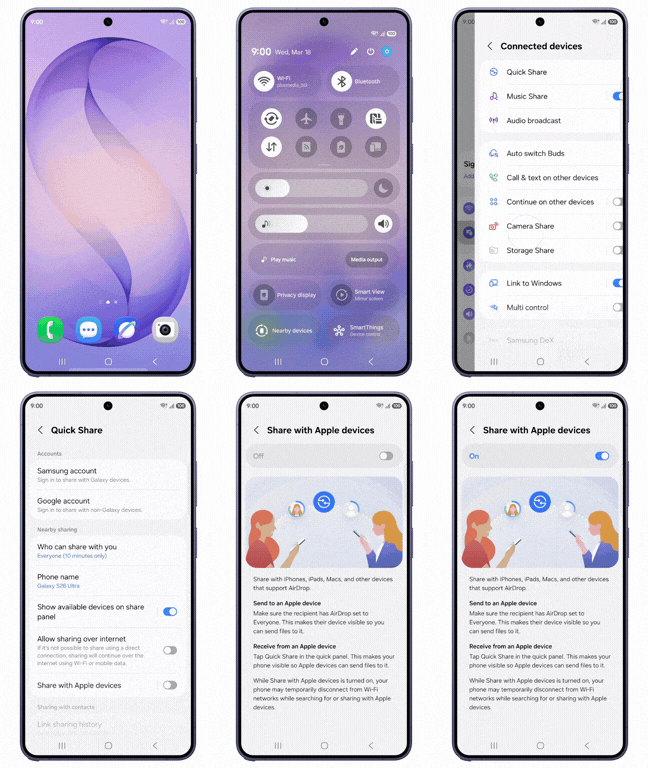
How to enable Apple's best feature on your Galaxy phone. | Image by Video by Samsung
Reportedly, some users could see the option in their system settings, while others couldn't. Incidentally, a few comments under Tarun Vats' recent posts show the feature is absent for some Galaxy S26 users.
While lacking this handy feature is certainly disappointing, particularly for S26 owners, this might be because AirDrop support still hasn't been rolled out in your region.
When the feature was announced on March 23, Samsung explained it will initially be introduced in Korea, then rolled out to users in Europe, Japan, Hong Kong, Latin America, North America, Southeast Asia, and Taiwan.
In case the feature is already out in your region but you still don't see it in your menu, you could try updating both Google Play services and Quick Share. This might solve the problem, though it's not a 100% guaranteed fix, so keep that in mind.
A great feature — but a 'buggy' one, it seems
Although Samsung's desire to bring AirDrop support to older Galaxy phones as soon as possible is admirable, the "fragmented" rollout certainly downplays the excitement.
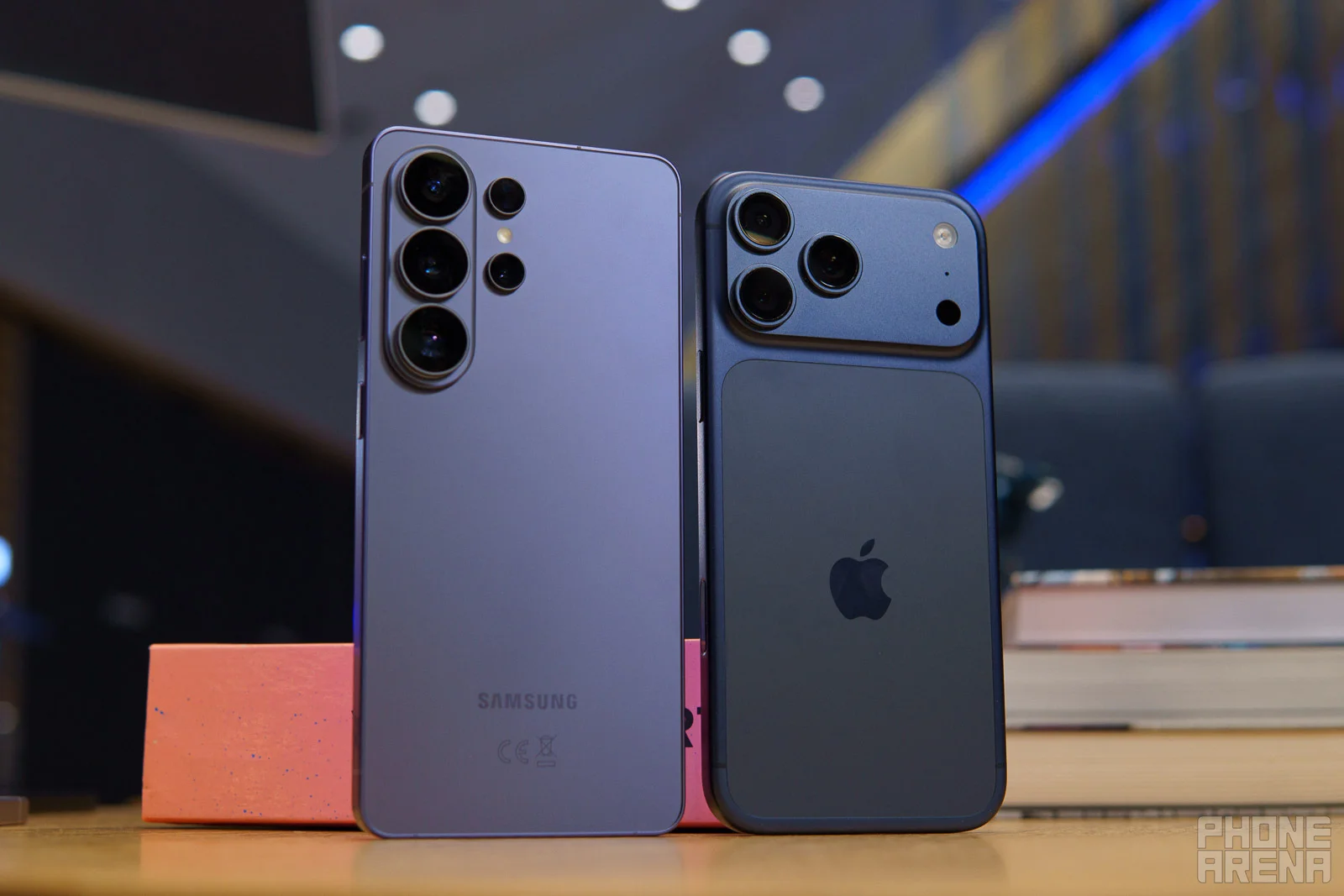
Let's hope the friction will disappear very soon. | Image by PhoneArena
This feature aims to remove the friction between iOS and Android. And yet, it seems, announcing the rollout doesn't make the "Share with Apple devices" option magically appear in your menu. At least for now, some users are being forced to manually update apps to get the feature to show up.
This certainly results in user disappointment. I think Samsung wouldn't have to face it if it spent more time polishing the new Quick Share feature before rolling it out to the public.
Polina Kovalakova, a News and Affiliate Content Writer, has nurtured a passion for mobile technology since the era before smartphones. With a history of exploring a variety of devices, her insights into the mobile world are both broad and nuanced. Polina's non-partisan view extends to appreciating nearly every smartphone brand, a reflection of her open-minded approach to technology. Polina is equally passionate about uncovering the best online deals, tirelessly working to ensure her readers snag top-tier tech at unbeatable prices.
A discussion is a place, where people can voice their opinion, no matter if it
is positive, neutral or negative. However, when posting, one must stay true to the topic, and not just share some
random thoughts, which are not directly related to the matter.
Things that are NOT allowed:
Off-topic talk - you must stick to the subject of discussion
Offensive, hate speech - if you want to say something, say it politely
Spam/Advertisements - these posts are deleted
Multiple accounts - one person can have only one account
Impersonations and offensive nicknames - these accounts get banned
To help keep our community safe and free from spam, we apply temporary limits to newly created accounts:
New accounts created within the last 24 hours may experience restrictions on how frequently they can
post or comment.
These limits are in place as a precaution and will automatically lift.
Moderation is done by humans. We try to be as objective as possible and moderate with zero bias. If you think a
post should be moderated - please, report it.
Have a question about the rules or why you have been moderated/limited/banned? Please,
contact us.






Things that are NOT allowed:
To help keep our community safe and free from spam, we apply temporary limits to newly created accounts: