Google confirms a key detail about Android's new sideloading process
Turns out, there's one less thing to worry about when switching devices.
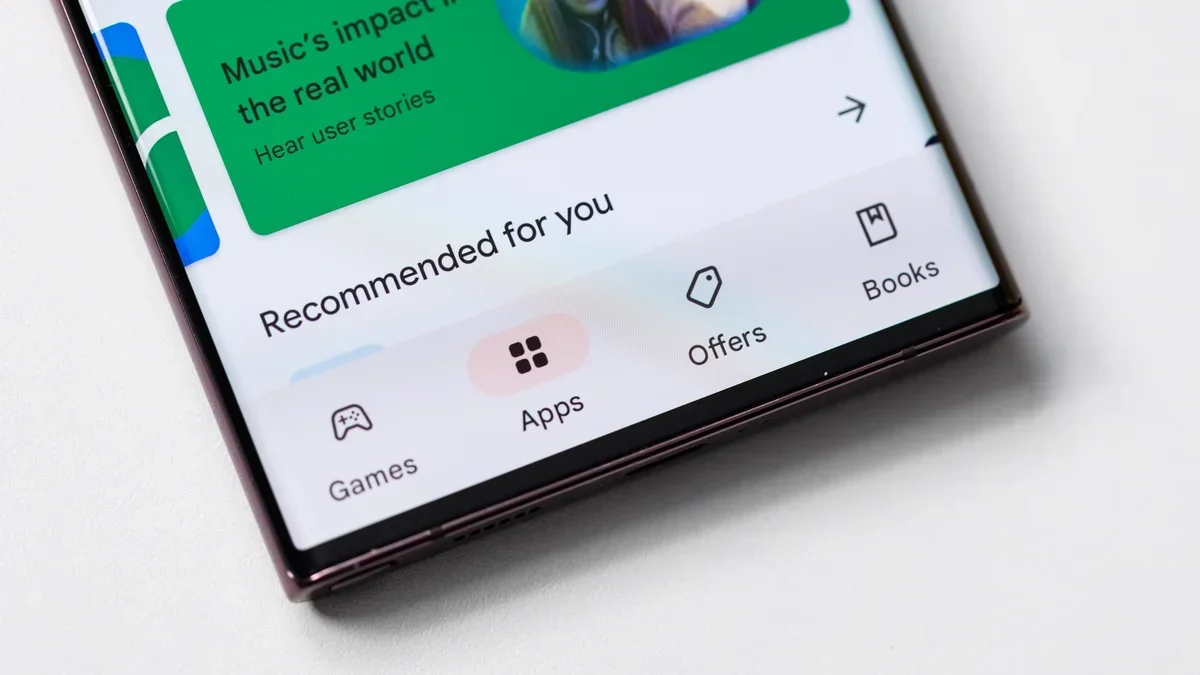
Google Play Store. | Image by PhoneArena
Google just answered the one question that was keeping Android power users up at night. If you're the kind of person who installs apps from outside the Play Store, you're going to want to hear this.
A few weeks ago, Google introduced a new flow for sideloading apps on Android from unverified developers. It comes with a mandatory 24-hour waiting period, device restarts, and developer mode activation. The whole thing is deliberately friction-heavy, designed to protect everyday users from scam-driven app installs.
The big concern was obvious: do I have to go through all of that again every time I buy a new phone? According to a new FAQ video shared by Google's Android Developers account on X, the answer is no. Matthew Forsythe, Google's "Chief Product Explainer," confirmed that once you complete the advanced flow on your current device, it transfers to your new phone during setup.
The video also tackled some other pressing questions. ADB installs are not affected by the 24-hour waiting period at all. Apps also cannot detect whether you've enabled the advanced flow, since it's an OS-level change. And here's one that'll put a lot of minds at ease: you don't need to keep developer mode turned on after you've completed the process.
That last point matters way more than it sounds. Some banking and payment apps refuse to work when developer mode is active, and that had a lot of people understandably nervous. Knowing you can toggle it off afterward while keeping your sideloading access is a genuine relief.
What the video didn't touch on is what happens if you factory reset your phone or flash a custom ROM. Those are niche scenarios, sure, but they're exactly the kind of thing the power-user crowd actually cares about.
When Google first announced it was tightening the reins on sideloading back in 2025, the Android community lost its collective mind. And rightfully so. Sideloading has always been Android's trump card over iOS, the thing you point to when someone asks why you didn't just buy an iPhone.
Taking that away, even partially, felt like a betrayal of what the platform stands for. Google clearly heard the backlash, and this FAQ is proof the company is actively trying to smooth things out.
I think Google landed in a reasonable spot here. The advanced flow is annoying the first time around, but if it genuinely stops scammers from pressuring vulnerable people into installing malicious apps, that tradeoff makes sense.
That said, I'm not fully comfortable with how much control Google is quietly building up over what you can and can't install on hardware you paid for. Today it's a waiting period. Tomorrow it could be something less reversible.
Android's sideloading process will carry over to your next phone
A few weeks ago, Google introduced a new flow for sideloading apps on Android from unverified developers. It comes with a mandatory 24-hour waiting period, device restarts, and developer mode activation. The whole thing is deliberately friction-heavy, designed to protect everyday users from scam-driven app installs.
The FAQ clears up more than just phone upgrades
Get the facts on Android developer verification. @matt_w_forsythe joins us to answer your top questions about sideloading. Watch the video for answers and to learn more. pic.twitter.com/N4d1plAglA
— Android Developers (@AndroidDev) March 27, 2026
What the video didn't touch on is what happens if you factory reset your phone or flash a custom ROM. Those are niche scenarios, sure, but they're exactly the kind of thing the power-user crowd actually cares about.
Sideloading is Android's identity, and Google knows it
When Google first announced it was tightening the reins on sideloading back in 2025, the Android community lost its collective mind. And rightfully so. Sideloading has always been Android's trump card over iOS, the thing you point to when someone asks why you didn't just buy an iPhone.
How do you feel about Android's new sideloading process?
One-time friction is fine, but Google is walking a thin line
I think Google landed in a reasonable spot here. The advanced flow is annoying the first time around, but if it genuinely stops scammers from pressuring vulnerable people into installing malicious apps, that tradeoff makes sense.
That said, I'm not fully comfortable with how much control Google is quietly building up over what you can and can't install on hardware you paid for. Today it's a waiting period. Tomorrow it could be something less reversible.
Android's whole identity has always been rooted in freedom, and every compromise chips away at that, no matter how well-intentioned the reasoning. For now, though? This is a win. Do it once, and you're done.

Follow us on Google News









Things that are NOT allowed:
To help keep our community safe and free from spam, we apply temporary limits to newly created accounts: